Sign in to your installation’s private administrator portal with a platform operator account. Tenant organization ownership does not grant this role. For a local demo’s addresses and initial account, see Local demo.
Platform health
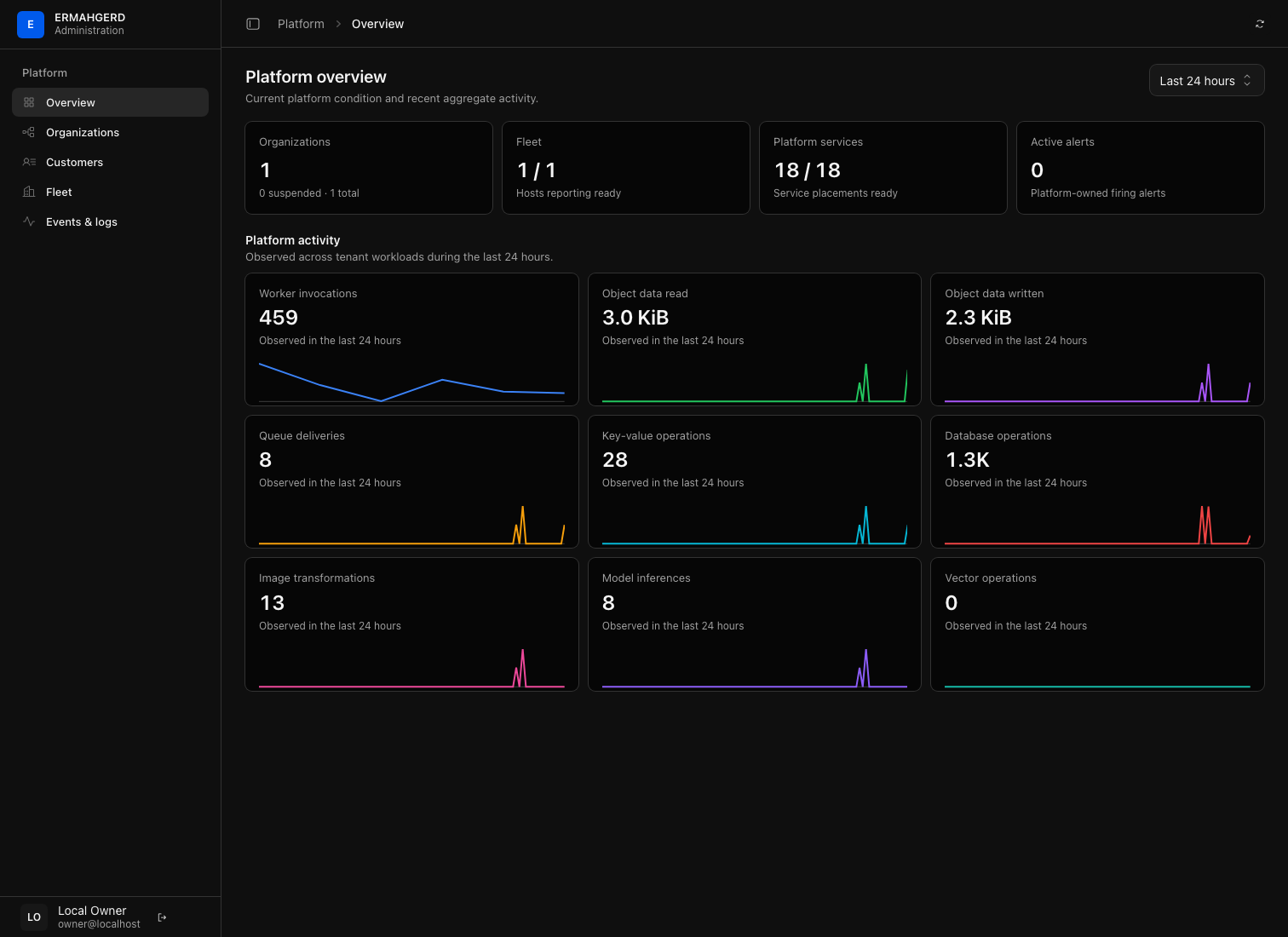
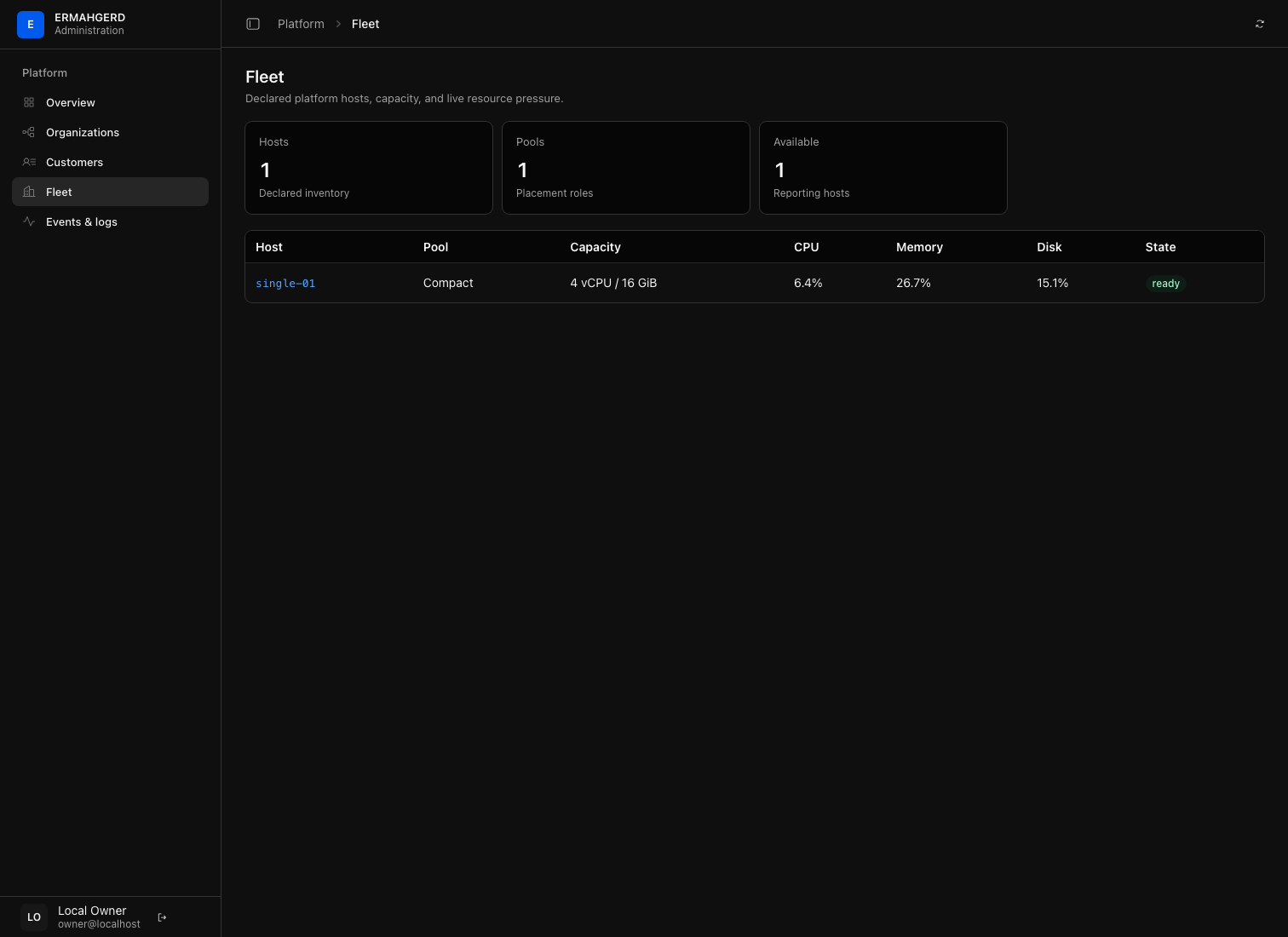
Platform → Overview summarizes platform-owned traffic and service posture. Fleet lists observed hosts and capacity; open a hostname to see the services placed there. Events & logs contains lifecycle evidence and selected service logs. Customer Worker failures do not by themselves make platform health fail.
Customer and organization support
Use Customers to invite customers, inspect owned organizations, and compare usage. Customers create their own organizations. Use Organizations to inspect one organization’s resources and allowances, suspend or reactivate it, or deliberately delete it.
Suspension retains data while stopping published Worker traffic and resource mutation. Deletion purges the organization’s resources and requires confirming its name. Check the target and data consequences before proceeding.
Quota overrides
An organization’s tier is read-only in the operator portal. Its owner chooses Free or Standard in the tenant console. Operators can set individual limits or reset them to the tier baseline. Reducing a limit never deletes data: further growth is blocked until usage falls below the limit. Actor, time, and changed values are recorded automatically; no written reason is required.
Review Usage & limits and its history pages for policy changes and rejected operations. The effective allowance can differ from a published default because of support overrides. There is no invoice or payment workflow.
Portal security
The tenant and administrator portals use separate processes, service accounts, origins, and identity listeners. Each authenticated portal has its own host-only, HttpOnly, SameSite=Strict cookie and exact Origin checks for mutations. Identity records each session’s audience and rejects cross-portal use. The tenant listener has no platform API routes, including platform telemetry. Signing in to one portal does not sign you in to the other.
For a remotely accessible installation, set console_origin and
admin_console_origin to distinct HTTPS hostnames and enable
console_cookie_secure. Expose the tenant service through the public listener;
expose the administrator service only through a private listener/VPN. Keep
identity, quotas, and other backing APIs private. Both listen addresses are
independently configurable. Hostnames alone do not provide network isolation;
the local demo’s loopback listeners are not a public deployment access policy.